Joanne

Posts by this author:

NEW Ice Age: Scrat’s Nutty Adventure | Game review

Ice Age: Scrats Nutty Adventure Age: 3+ The device tested: Nintendo Switch. What its about… For anyone who knows and loves Ice Age, poor Scrat is forever chasing his elusive nut, which often leads him…

View Post

Gift buying made easier with Wicked Uncle

Christmas gift shopping can be a very stressful experience for a lot of people. I especially find it stressful and it’s the only part of the season that I dislike, but once the shopping is done, the stress fades quickly and then you can enjoy the festivities. This year I was offered an opportunity to review the website Wicked Uncle.

Wicked Uncle makes gift shopping an easier experience with it’s organised category sections that include filter search options for gender and age, making it easier to find presents which are age/gender-appropriate.

They also offer a gift wrap service so you can send your gift directly to the recipient with a card and what kid doesn’t like receiving parcels through the post? This year, we wanted to reduce the children’s time on technology, not that they spend a lot of time on there, but I wanted to make sure that there were decent alternatives for their downtime to alleviate any boredom (the usual argument for wanting to play on their tablets).

What I picked for Emily (age 5) and Lydia (age 7)

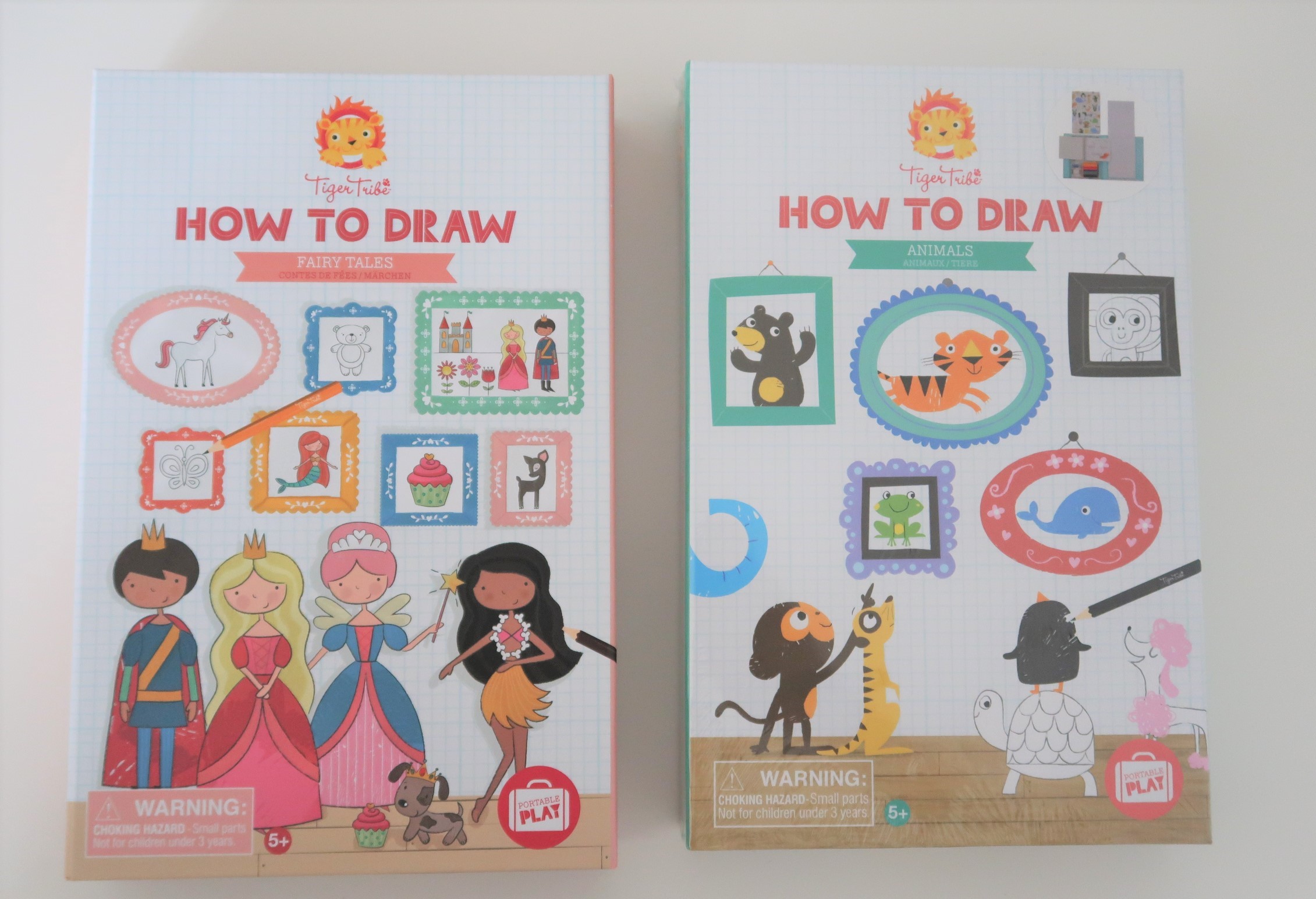
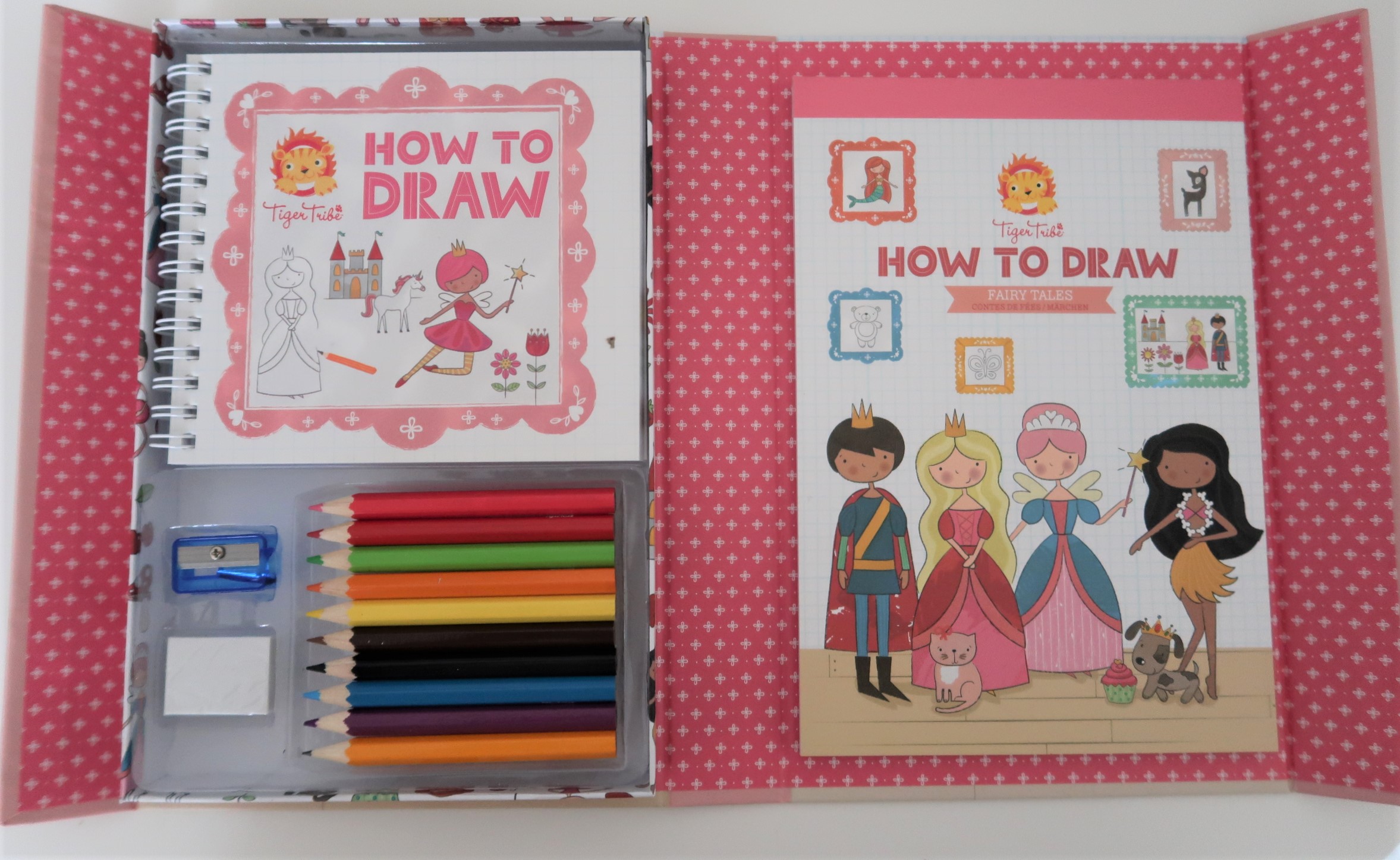
Emily and Lydia are little artists in the making and there is nothing they love more than drawing, in fact I can guarantee that their artwork is in every room in the house. They both follow step-by-step tutorial’s online, so whilst browsing through the Wicked Uncle website, I came across these two ‘How to Draw Animals’ and ‘How to Draw Fairy Tales’ packs in the section for girl’s age 5 and girl’s age 7

The ‘How to Draw’ packs come with 36 sheets of grid paper, 10 coloring pencils, a rubber, pencil sharpener and a step-by-step book of different drawings.

These books are small enough to fit into their little backpacks for long car journeys or to keep them busy whilst on the go or waiting around another sibling’s after school activity. They are easy to follow and will help the children to illustrate some of the wonderful stories they continually write for us – particularly Lydia.

The third gift I picked was a Horrible Histories ‘The Beastly Best Bits’Horrible Histories ‘The Beastly Best Bits’  book from the girls age 7 section for Lydia. Lydia loves reading and even more, has become very interested in history since she started watching this show on television a few months ago. We have even been to see the movie!

I know she is going to enjoy taking this book around with her and woo people with all her interesting facts on the Rotten Romans, the Gorgeous Georgians and the Terrible Tudors. It will also benefit her at school when they start learning about history and she will have a head start.

Although I found all three of these gift idea’s in the girls sections and they would make brilliant gifts for girls, they would also make brilliant gift idea’s for boys too.

The Horrible Histories book came in at under ten pounds (£6.99) and this would make a brilliant party gift for a friend.


*We were given a voucher in exchange for a review*


Peterborough STEM Festival 2019

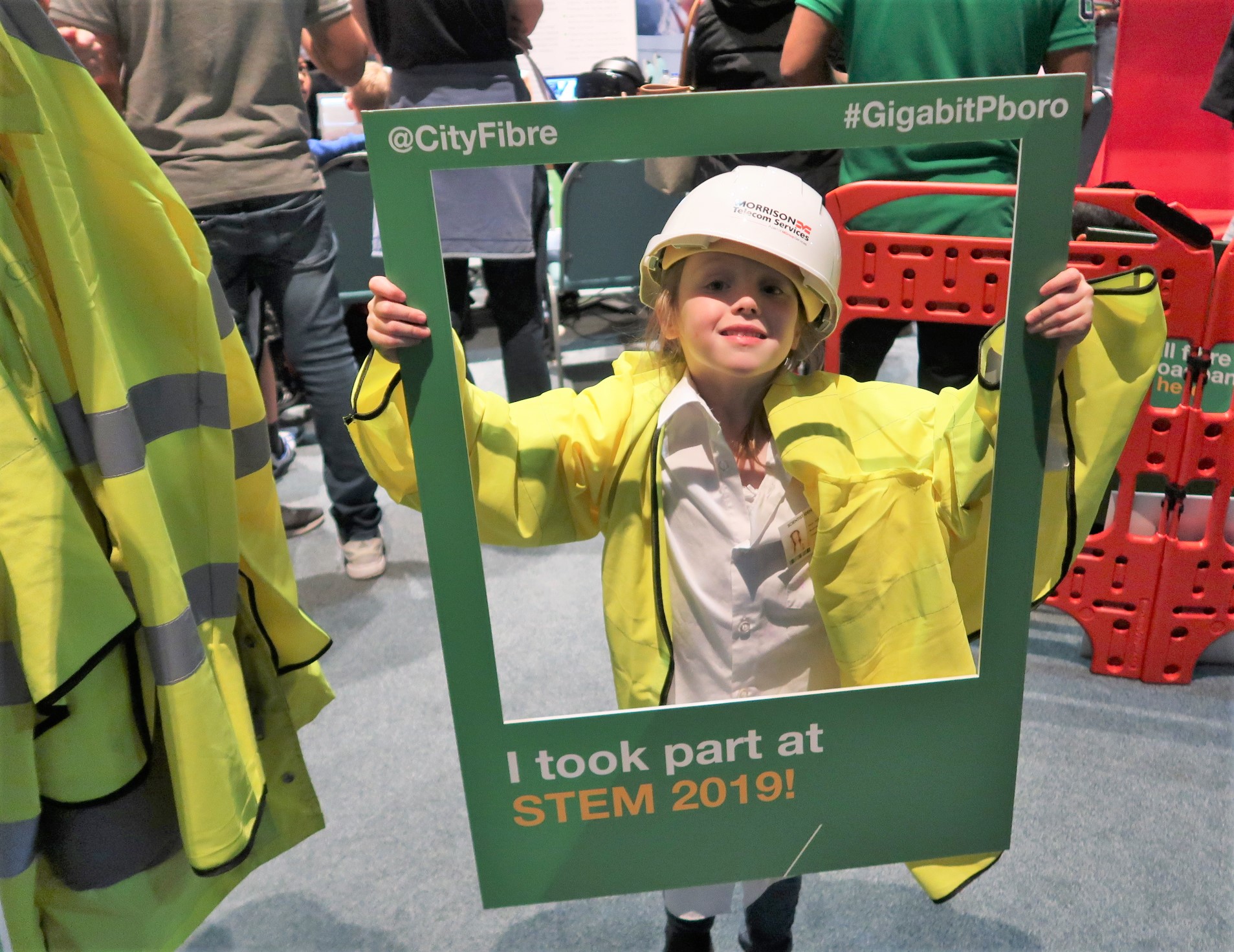
Every year Peterborough hosts STEM FEST, a free event to encourage children and educate the public around the world of Science, Technology, Engineering and Mathematics. Held at Kingsgate Centre and sponsored by Anglian Water, One Alliance and BGL Group, the festival hosted businesses, education centres and organisations that are leading the way in STEM activities. The day hosted various workshops, activities and a whole range of things for children to get involved in.

On arrival, it was clear to see that there were lots to get involved in and certainly an event that you could spend a whole day at. Moving room to room, we tried to get involved in as much as we could. There were lots of coding activities for children which mostly used Scratch, a children’s coding programme, from which children could either code robots to move or play games on the computer by designing codes to pass levels. The first activity we took part in was coding a built cardboard car that had a CPU processor attached to a set of wheels. The children could set whatever directions they wanted the car to follow and release the car on a track to see what it did.

Hackspace is a community workshop that provides space for everyone to create, build and socialise within the STEM community. Using the 3D printers, CNC routers and other technology, there are specialists on hand to help you understand how to use the equipment and start to create whatever project you want. At STEMFEST they were demonstrating just a sample of the equipment they had, including a ‘pi’top, a laptop built with the Raspberry Pi processor. In the same room, there was also a science section with some simple games and activities designed to test your child’s ability to follow instructions while educating them on some simple scientific principles.

The main auditorium hosted a wide variety of different organisations all showcasing how they use some of the latest technologies to support industry. This was really interesting as it showed you how technology was becoming integrated into business to solve challenges faced in engineering and design. One particularly interesting part was Anglian Water who, using Virtual Reality, is able to walk around proposed sites yet to be built to assess design, identify areas for improvement and change and ensure that the site is completely fit for purpose before they even lay their first brick; something that previously would only have happened after the site was built, delaying implementation of the services and cost money. The children were able to play with the VR headsets to look at how water treatment and waterworks plants are built – although they just had fun walking in a digital world.

There was also a retro gaming area, which Leo absolutely loved, that hosted lots of the old systems most of us (oldies) grew up playing, like the Amstrad, Nintendo System (NES), Super Nintendo System (SNES) and more. There were also various stands with technology and software bits for sale to support children in building and developing lots of the ‘gadgets’ they were able to play within each of the various rooms.

The event hosted various speakers and workshops throughout the day but we were unfortunately not able to attend any as we got lost in the activities that were on offer at the various stands and rooms and by the time we moved to the area had missed all the shows.

All in all, it was a very interesting and eye-opening day for the family and showed how technology is everchanging our world. What was most interesting is that it showed how technology can be utilised in industry and started to sow the seeds of how much further technology can go, if you use your creative mind.

I thoroughly recommend this for anyone with children who have the slightest interest in technology and whilst the children enjoyed the day, in my personal opinion the activities are better suited for children 6+ or for children who have a very keen interest in STEM activities. Lydia, who is older, is far more interested in science and technology whereas quite a lot of it went over Emily’s head.

Pick your own Pumpkin at Hill Farm, Chesterton

If you are looking for a spooktacular pumpkin patch to visit this year then I can recommend Hill Farm. I have been quite a few times before over the summer to pick our strawberries and blackberries but have never been to pick my own pumpkin before.

Hill Farm is open for Pumpkin picking from September 28th 10am to 5pm and is free to enter.

Don’t forget your wellies as it can be very muddy.

I love how much effort they have put into decorating the farm, I especially love the witches lair. There are Halloween decorations placed everywhere for the kids to enjoy and really get them in the mood.

Depending on the size of pumpkin/s you want to pick there are wheelbarrows available for you to use close by.

you don’t realise just how many different shapes, colour and sizes there are until you see them all together in a field.  Leo had so much fun squelching through the mud trying to find the perfect pumpkin for him and I was really surprised that he had picked himself a smallish one to take home.

Of course, I made him pose for a picture holding a giant pumpkin too.


When you have finished, just take your pumpkin back to the shop and they will sit it on top of a sizing table and that will tell you how much it will be.

Then you can buy yourself a cuppa from the cafe, sit down for five minutes whilst the kids play in the playground before you head home.

Hill Farm Pyo Website

Gifted | Nixplay Seed 10″ Digital photo frame review

I am so excited to tell you all about the Nixplay Digital photo frame. I was sent the Seed version in the 10inch widescreen model to review and now that I have had it a few weeks I am in a position to tell you about it and give my honest opinion on this product.

Not everyone has the space on the wall for every gorgeous photo they want to show and people living in rented accommodation are not always allowed to put photo’s up due to making holes in the wall. My mum’s flat is very small and her mobility isn’t great, so she struggles to put up lots of photos. She would really appreciate something like this where she can showcase a wide selection of photo’s while only taking up a small amount of space, plus she would save money on photo frames.

The photo of the frame on the box is the actual size of the product so you can see its true size straight away, which is great as there is nothing worse then guestimating and being disappointed once you have opened the box.

On the back of the box, there are six key features of the product describing it’s unique selling points;

Instant Sharing Share moments from anywhere in the world using the Nixplay mobile app or email.

Nixplay Friends Invite family and friends to send photos directly to your frame.

High-Resolution Display Clear and vivid colour reproduction.

Simple Set-Up Connect to a WIFI network and display your favourite photos within minutes.

Cloud Account Access all your photos from different devices and platforms in one place.

Hu-Motion Sensor Frame turns on automatically when you enter the room.

In the box, you have your photo frame, remote control, a quick set up guide booklet and your power cable which is a USB cable and a supplied powered adapter; the USB cable must only be used with the adapter. I like that Nixplay has supplied adapter attachments so this can be used in Europe and America, as well as here in the UK. The power cable is also rigid and bendable so you can use it as a stand. You wouldn’t be able to mount the frame on the wall as the back of it is wide and would stick out so Ideally this is better on units, sideboards, etc.
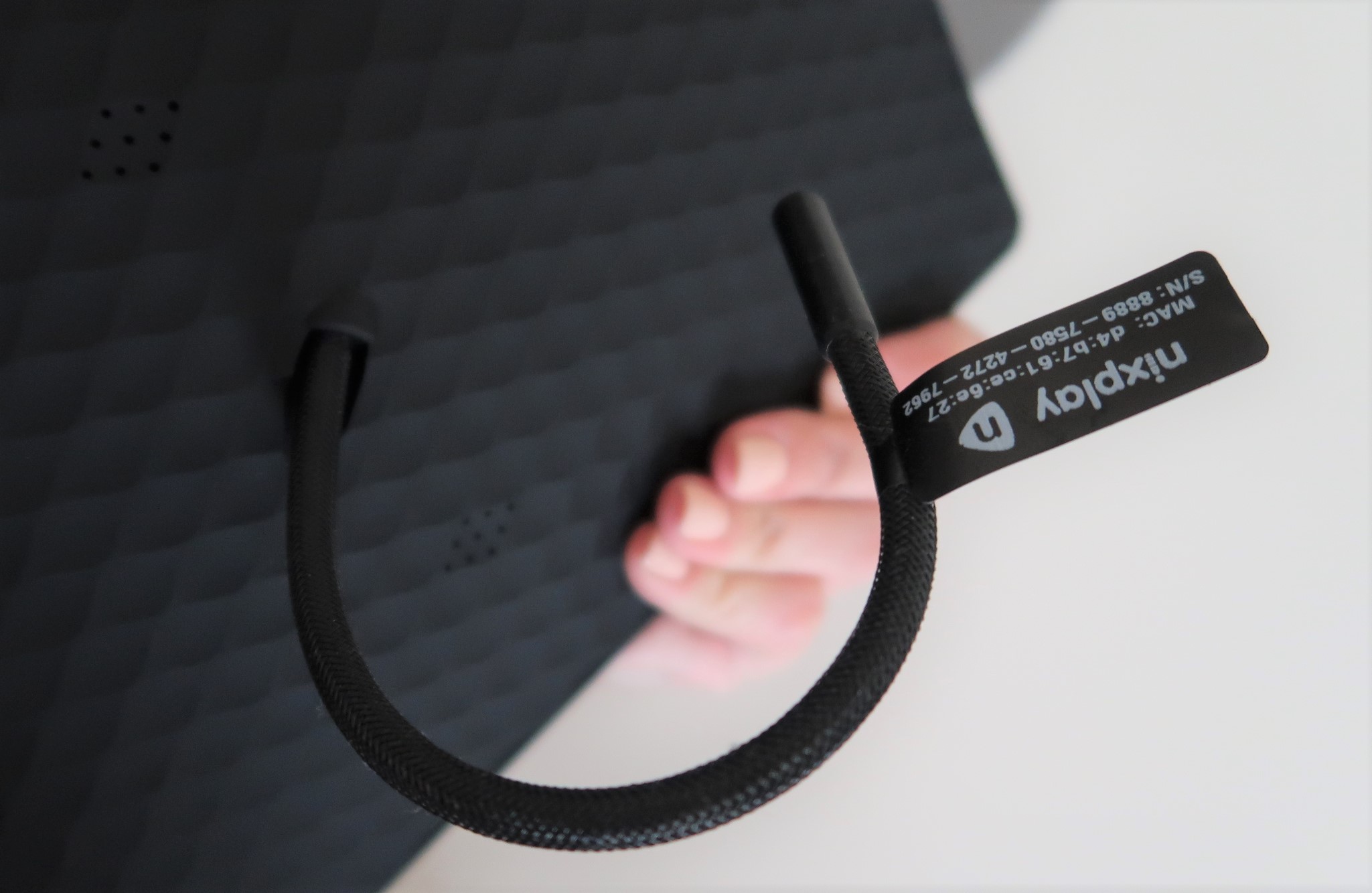
You can stand your frame in either portrait or landscape orientation and the frame will automatically adjust.

One thing I really like with the Nixplay is the motion detectors on the bottom left corner. The thought of having to keep switching it on and off every day would annoy me and it probably more than likely wouldn’t have got used. This, however, turns itself off if no motion is detected after ten minutes (you can change the time in the settings) and then back on again automatically once motion is detected, which means you are not wasting unnecessary power and reducing your carbon footprint by not having it switched on all of the time.

The remote control gives you complete control of the photo frame allowing you to adjust the settings, flick through photo’s faster, swap playlists, pause/ resume and switch the power off.

I found setting up really simple and easy to do. As soon as you have plugged your device in it will ask you to enter your WIFI password which can be done using your little remote control. Then you will be asked to either create an account or log in, again very straight forward to do. You can either do it on your desktop or download the Nixplay app and do it through there, which is what I did.

The Knight Tribe - Nixplay Seed

Now I had set it up I was ready to start uploading my photos straight to my photo frame. I found the App really easy to navigate around and the whole process is very straight forward. You can create various playlists and invite family and friends to contribute to the album from their devices too, which is pretty cool as I plan on giving this to my Mum.

[embedyt] https://www.youtube.com/watch?v=o5gTXOSWsGQ[/embedyt]


The Nixplay Seed is available to buy online here

** I received this product in return for an honest review **